


Smart Bulbs vs Smart Switches: Which Should You Choose?
Standing in a hallway with a screwdriver in one hand and your phone in the other, most people starting smart lighting reach the same fork in the road. Do you make the light smart, or the thing that turns it on? Both routes give you schedules, voice control and dimming from the sofa, but they behave very differently once your wiring, your household and your budget get involved. The right answer usually comes down to one question: how many bulbs does that switch control?
The difference, in plain terms
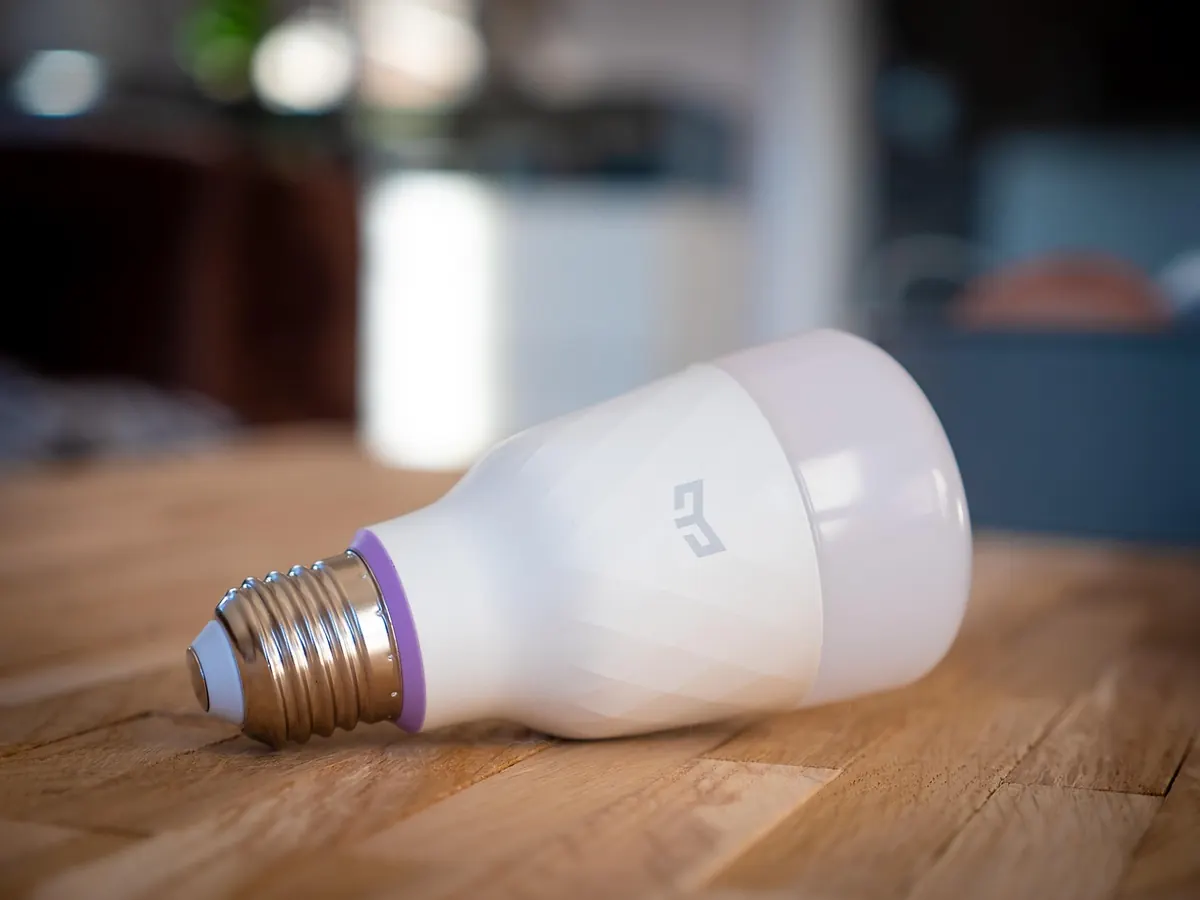
A smart bulb is an ordinary lamp with a small radio and a tiny computer inside. That receiver has to stay awake to hear instructions, so the bulb needs permanent power. Which is why the wall switch becomes a problem: flick it off and the bulb isn't just dark, it's unreachable. Schedules, scenes and voice commands all stop until somebody turns it back on.
A smart switch replaces the plate on your wall instead. It controls the circuit itself, so the bulbs stay ordinary. The physical switch everyone already understands keeps working, and you gain app control, timers and often dimming on top.
This is where the classic mistake happens. Fit smart bulbs, then watch a visitor hit the light switch on the way out of the room. The bulbs drop off the network, and anything timed for the evening quietly fails.
Cost: what you are actually paying for
In a room with a single pendant, a smart bulb is the cheaper and simpler choice by a wide margin. In a kitchen with six or eight downlights, the sums flip. One smart switch can control the whole lot; eight smart bulbs means eight purchases, and you probably don't need to dim the ceiling spot over the sink independently of the others.
Don't forget labour. A bulb takes you two minutes. A switch may need an electrician, and that cost can easily outweigh the hardware. Where a switch wins outright is in large, uniform lighting schemes — halls, kitchens, open-plan living spaces — plus anywhere you'd rather not have eight wireless devices competing for your router's attention.
Installation: five minutes versus a qualified electrician
Smart bulbs are renter-friendly and reversible. Screw one in, download the app, scan the code, name it something sensible like "Landing light" rather than "Bulb 3", and move on. Move house and they come with you.
Smart switches are mains work, and UK homes throw up a few specific obstacles:
- No neutral at the switch. Many British lighting circuits are looped at the ceiling rose, so the switch box holds only live and switched live. Lots of smart switches need a neutral. "No-neutral" models exist, but they pass a trickle of current through the bulb, which can leave LEDs glowing faintly or flickering.
- Depth. Smart switches are often deeper than the standard back box, and period properties rarely have room to spare.
- Two-way switching. Landing and hallway lights wired to two switches are fiddly to automate and sometimes need a module or a rethink.
- Minimum load. A single low-wattage LED can sit below a dimmer's threshold, causing flicker or a buzz.
If you're not confident working with mains electricity, don't learn on a live circuit. In England and Wales, electrical work in dwellings falls under Part P of the Building Regulations; a like-for-like switch swap is usually straightforward, but anything beyond that is a job for a registered electrician. Rules differ in Scotland and Northern Ireland, so check locally. An hour of professional advice costs far less than putting it right afterwards.
Day-to-day control
Bulbs win on flexibility. Colour, tuneable white, accent scenes, one lamp bright while the rest stay low — all possible, and all per bulb. The catch is that physical control is now split between the wall and your phone. Guests will use the wall. So will you, at 7am, half awake.
Switches win on habit. Nothing new to teach anybody. Walk in, press it, light comes on, exactly as before, with automation running quietly behind it. What you lose is per-bulb control and, in most cases, colour. A switch dims and schedules; it can't turn your ceiling light pink while the reading lamp stays warm.
Automate the thing your household already touches. If that's the wall plate, start there.
Compatibility and ecosystems
Bulbs come in Wi-Fi, Bluetooth, Zigbee and Thread versions. Matter has made mixing brands easier, but it hasn't made it effortless. Wi-Fi bulbs connect directly to your router; Zigbee and Thread devices usually need a hub or a border router, which a recent smart speaker may already provide. If you plan to fit twenty bulbs, a mesh protocol will treat your broadband more kindly than twenty Wi-Fi devices.
Switches need checking against three things: your bulbs, your wiring and your app. Look at whether the dimming works with the LEDs you own, whether the brand supports the voice assistant you actually use, and whether the switch is rated for the load. Buying the cheapest compatible switch and hoping is how people end up with a flickering kitchen.
Mixing the two without a fight
You can have both. Some smart switches offer a "smart bulb mode" or detached relay, which keeps permanent power at the fitting while the button acts as a scene controller. Alternatively, leave the original wall switch alone, fit a cover plate over it, and add a battery or kinetic switch nearby — no wiring, and the family still gets a button to press.
So which should you choose?
- Renting, or moving within a couple of years? Smart bulbs.
- Own your home, one switch running six or more bulbs, no need for colour? A smart switch.
- Want colour, scenes or per-lamp control? Smart bulbs.
- Children, guests or a partner who will always use the wall switch? A smart switch, or a hybrid setup.
- Shallow back boxes or no neutral at the switch? Bulbs, unless an electrician says otherwise.
- One room at a time, staying in a single ecosystem? You'll thank yourself later.
A simple way to start
Pick one room where automation will genuinely be noticed — usually the living room or the hallway, not a spare bedroom. Count the bulbs on the switch. Go and look at the wiring, with the circuit off at the consumer unit, or ask someone qualified to check it. Then buy a single device and live with it for a fortnight before committing to the rest of the house.
Whatever you choose, keep a physical control within reach. Smart lighting that only works through an app feels clever for a week and irritating for a year. And if the wiring, the load ratings or the bathroom zones leave you anything less than certain, bring in a registered electrician first. Knowing it's done safely is worth more than saving a call-out fee.
Photo: haus_automation / Pixabay